

Integra la localizzazione aziendale senza appesantire il database.
I plugin di traduzione tradizionali di WordPress spesso rallentano i siti duplicando ogni post e pagina nel tuo database. MultiLipi adotta un approccio diverso. Il nostro plugin WordPress dedicato agisce come un leggero Connettore API, collegando il tuo sito al nostro Neural Translation Cloud. Ciò garantisce che il tuo sito rimanga veloce fornendo al contempo contenuti ottimizzati per la SEO in oltre 120 lingue.
Questa guida descrive il processo di installazione e autenticazione utilizzando l'ufficiale MultiLipi Traduci plugin.
1. Prerequisiti di distribuzione
Prima di iniziare l'installazione, assicurati di avere:
Accesso Amministratore
Devi disporre delle autorizzazioni per installare e attivare i plugin (ruolo amministratore).
Chiave API MultiLipi
Individua questo nella tua Dashboard sotto Impostazioni > Generali.
2. Passaggio 1: Installa il modulo connettore
Il plugin è ospitato nel repository ufficiale di WordPress per sicurezza e facilità di aggiornamento.
- 1
Accedi al tuo Dashboard di amministrazione di WordPress.
- 2
Naviga su Plugin > Aggiungi Nuovo nella barra laterale sinistra.
- 3
Cerca: Digita "MultiLipi Traduci" nella barra di ricerca.
- 4
Installa: Fai clic Installa Ora sul plugin ufficiale MultiLipi.
- 5
Attiva: Fai clic Attiva per inizializzare il modulo.
Azione di Sistema
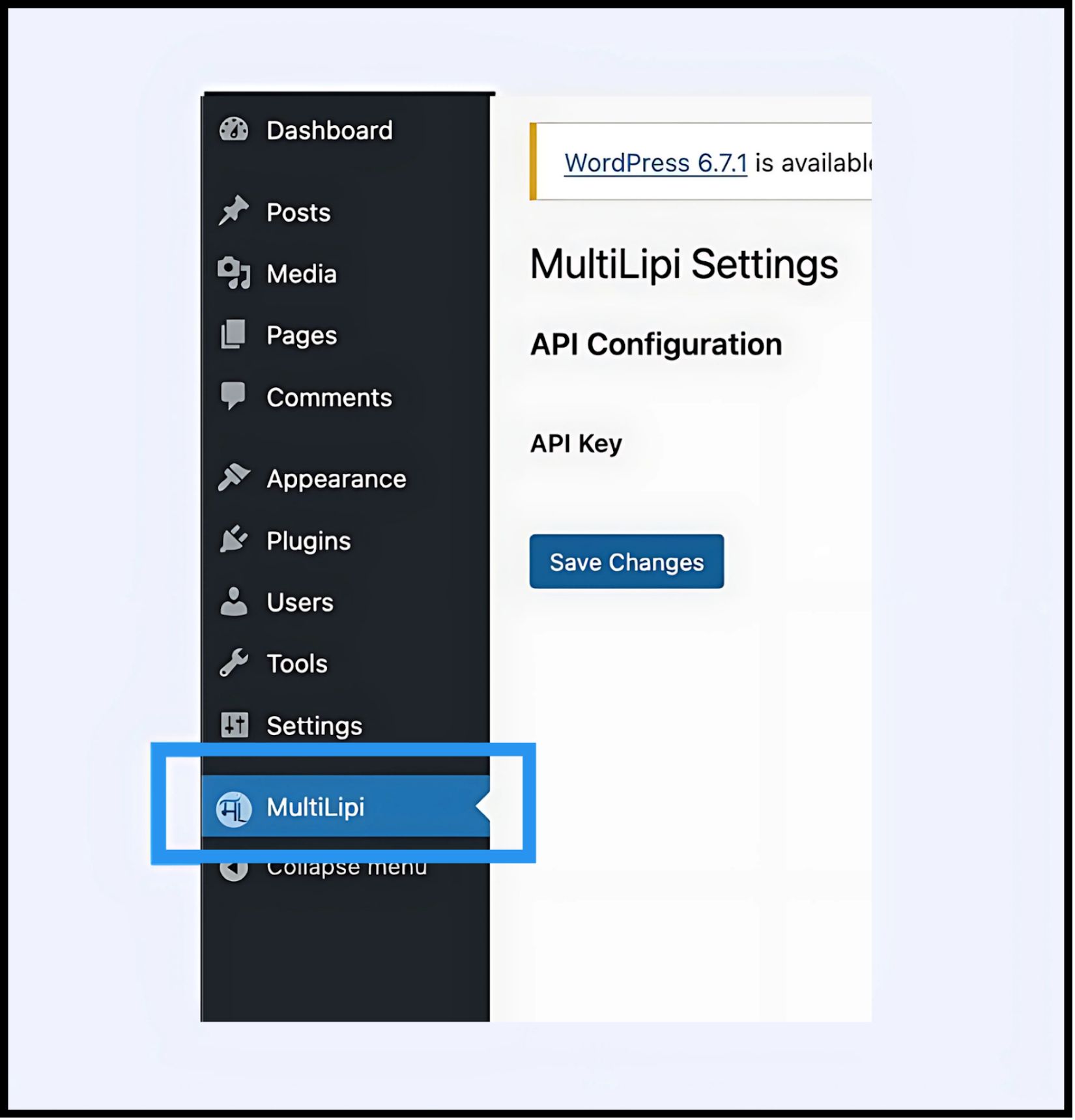
Una nuova voce di menu etichettata MultiLipi apparirà sotto il tuo principale Impostazioni scheda.
3. Passaggio 2: Stabilisci l'Handshake API
Devi autenticare il plugin per collegare il tuo sito al tuo progetto MultiLipi.
- 1
Naviga su Impostazioni > MultiLipi.
- 2
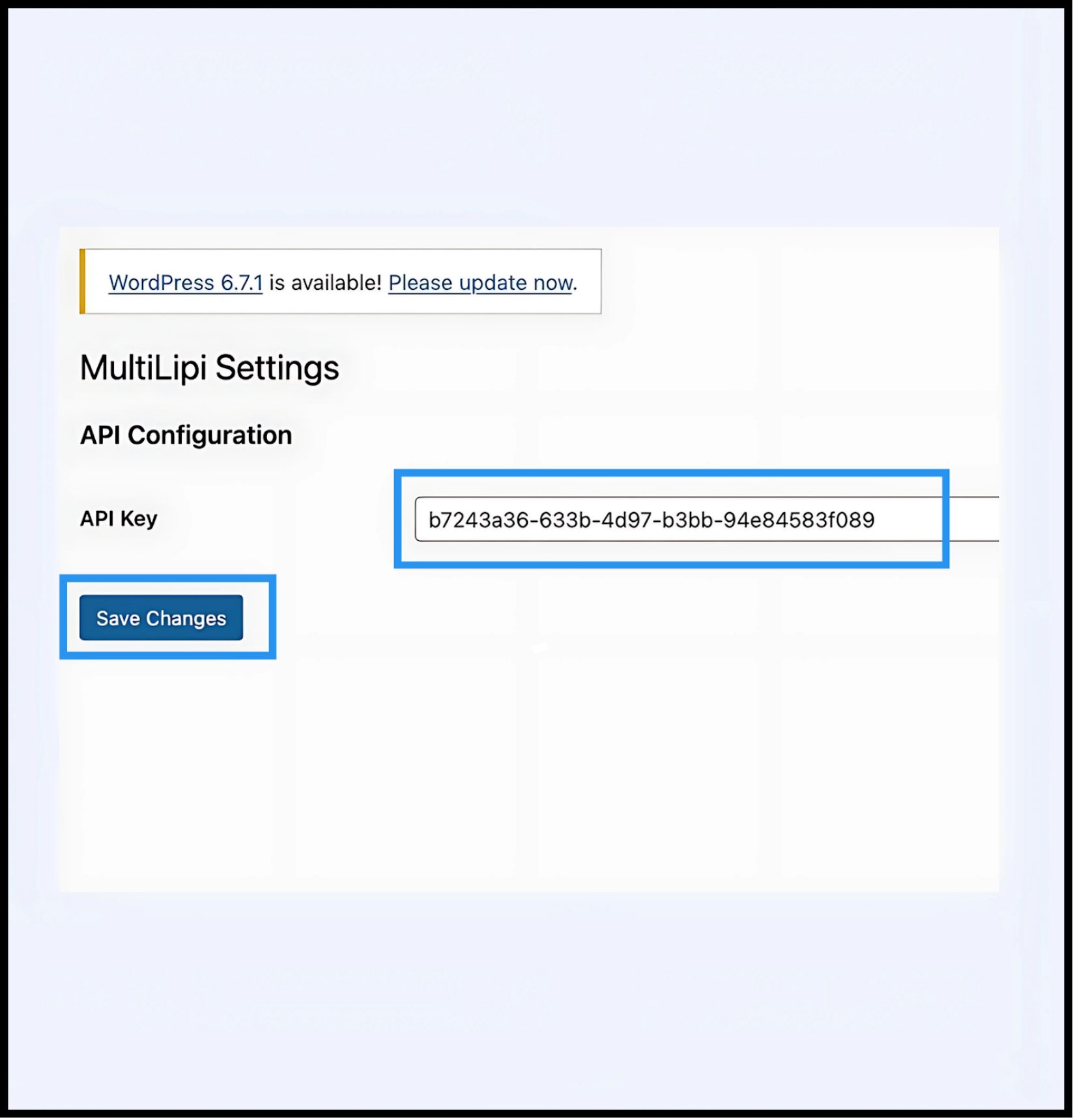
Configurazione API: Individua il Chiave API campo.
- 3
Autenticazione: Incolla la tua Chiave API di Progetto univoca (copiata dalla tua Dashboard MultiLipi).
- 4
Commit: Fai clic Salva Modifiche.
Risultato
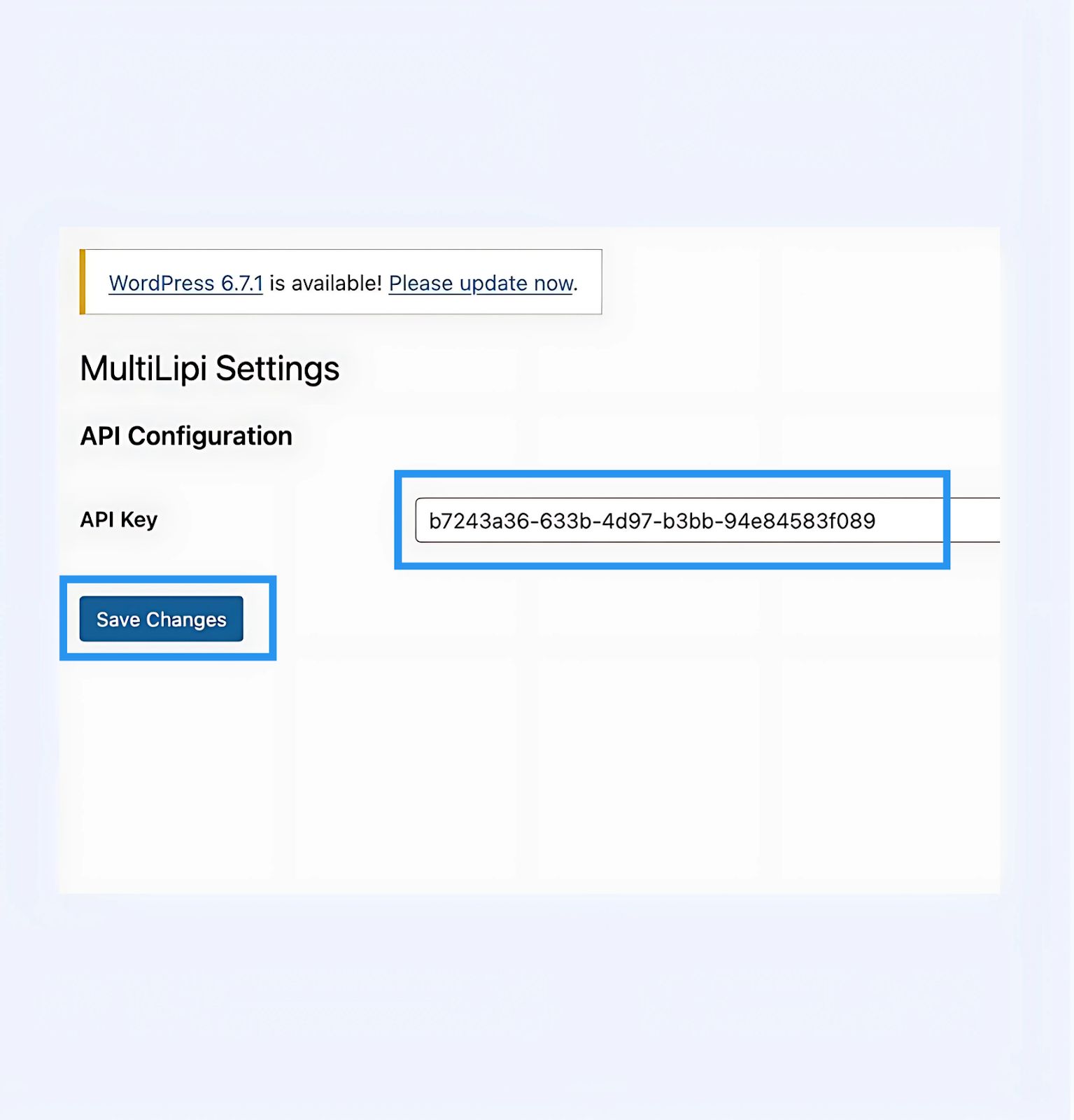
Il plugin convalida la chiave e stabilisce una connessione sicura al motore di traduzione.
4. Passaggio 3: Verifica Edge
Una volta autenticato, il livello di traduzione è attivo immediatamente.
Ricarica
Visita il tuo sito web pubblico.
Controllo Visivo
Il Selettore Lingua dovrebbe apparire nell'angolo in basso a sinistra (posizione predefinita).
Test Funzionale
Cambia lingua e verifica che il contenuto venga tradotto istantaneamente.
Protocollo di Risoluzione Problemi
- •Svuotamento Cache: Se utilizzi plugin di caching (WP Rocket, W3 Total Cache) o caching lato server (Varnish, Nginx), devi svuotare la cache dopo l'installazione affinché il selettore appaia.
- •Controllo Conflitti: Assicurati che nessun altro plugin di traduzione (come WPML o Polylang) sia attivo sulle stesse pagine, poiché potrebbero entrare in conflitto con l'iniezione del DOM.
5. Gestione post-distribuzione
Con il plugin attivo, il tuo sito WordPress è ora sincronizzato con la nostra infrastruttura.
Glossario e SEO
Non è necessario gestire le traduzioni all'interno di WordPress. Accedi alla tua Dashboard MultiLipi per definire Regole del glossario, configura Tag Hreflang, e gestisci URL Tradotti.
Override Visivi
Usa il Editor Visivo nella dashboard di MultiLipi per correggere eventuali problemi di layout causati dall'espansione del testo (ad esempio, in tedesco o russo).
Aggiornamenti
Tutte le modifiche di traduzione apportate nel cloud MultiLipi si riflettono istantaneamente sul tuo sito WordPress senza dover aggiornare il plugin o svuotare nuovamente le cache.